Products
How to use Paid Membership Manager with Advanced Multiprofile Access Control for Jomsocial
Most of the time, people ask us about setting up a JomSocial website where paid members need to have more rights than free members. For example, photo and video uploads. This is very easy with our extension.
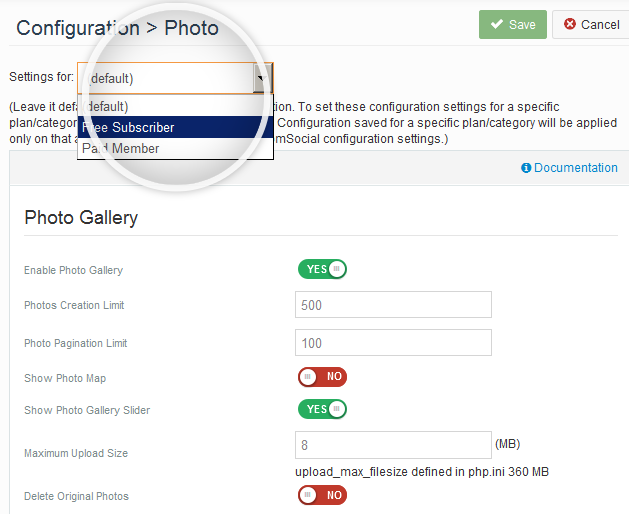
After installing & enabling our extension, you need to setup something like this. Create two profile types in JomSocial using Multiprofile option in backend. Go in JomSocial back-end >> Photos. Select profile type from drop-down, do the required settings and save. Then select other profile type(s) and do the same.
Same thing can be done in Videos, Groups and Events settings.
You may even make more than one paid profiles in multi profiles, like Silver, Gold and Platinum members with different rights in JomSocial configuration.
Our extension really gives you a lot of options to attract members with free membership and then create a money stream with one or more premium paid membership plans.
Short Video
This short video is an example to show you the way you can control free and paid user rights in JomSocial. We used number of photo uploads setting as an example here. Free members can upload only two photos but paid members can upload many more. Any free member can subscribe the paid plan to upgrade at any time.
Backend Setup
A brief overview of Plans & JomSocial Profiles setup
Detailed Instructions
- Install our Paid Membership Manager component (com_simsu) and its supported system plugin (pammag). Then install the Access control component (com_jomsomu) and its supported system plugin (plug_jomsomu).
- Enable the plugins.
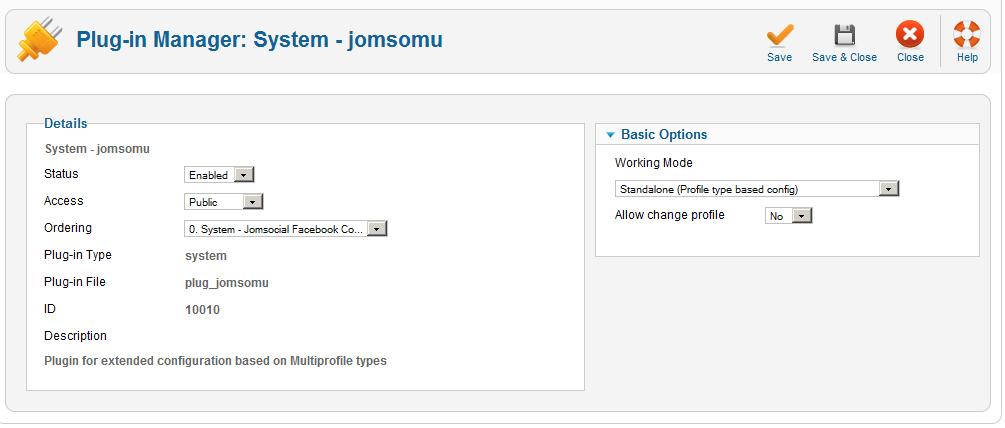
- Check that working mode of plug jomsomu is "Standalone" in backend. This can be set to 'Integrated with SimSu' if you do not have multiple profiles in JomSocial and you want to apply different configurations (access levels) directly on your membership plans. Detail about this kind of setup is given at Using Paid Membership with JomSocial including Access control but no Multiprofiles.
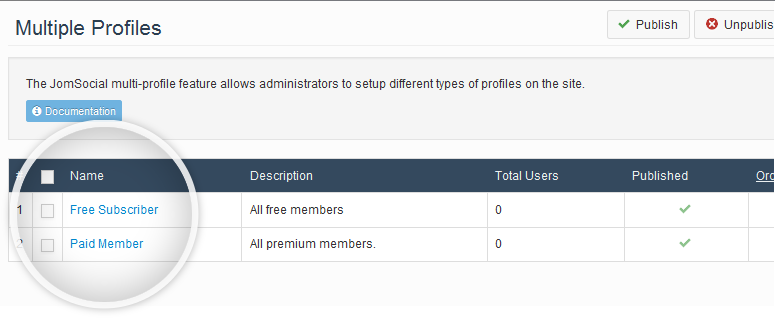
- Create Multiprofiles in JomSocial using the native Multiprofile feature of JomSocial. For example, you may create one profile type for free members and one for paid members.
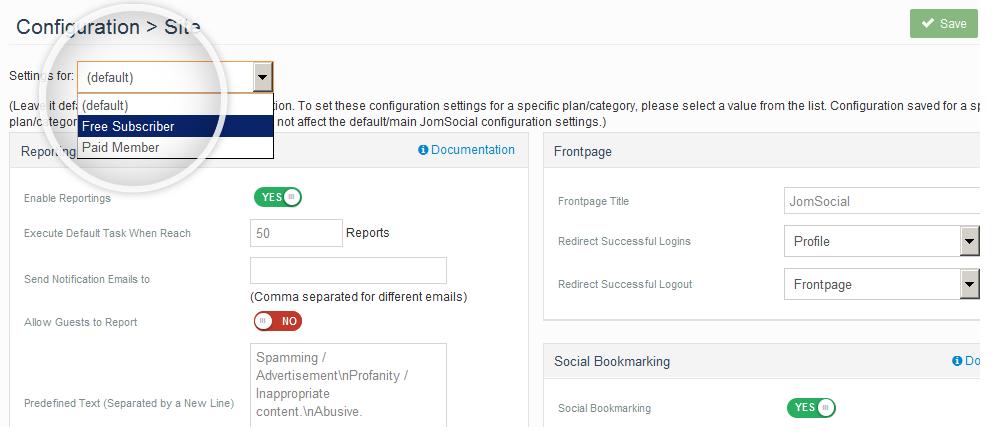
- Go in Joomla backend >> JomSocial configuration >> Site. You will see a new drop-down added there. This drop-down contains your multiprofile types that you just created in JomSocial. Now you can select each profile type one by one and configure jomsocial differently for each profile type. The same drop-down is visible in Group settings, Event settings, Photo and also in Video settings. Imagine what a great control now you have on your JomSocial settings. You may have a completely different set of privileges for each profile type. A little example is the power to set 5 photos and no videos limit for each free profile and higher a limit for paid profile type.
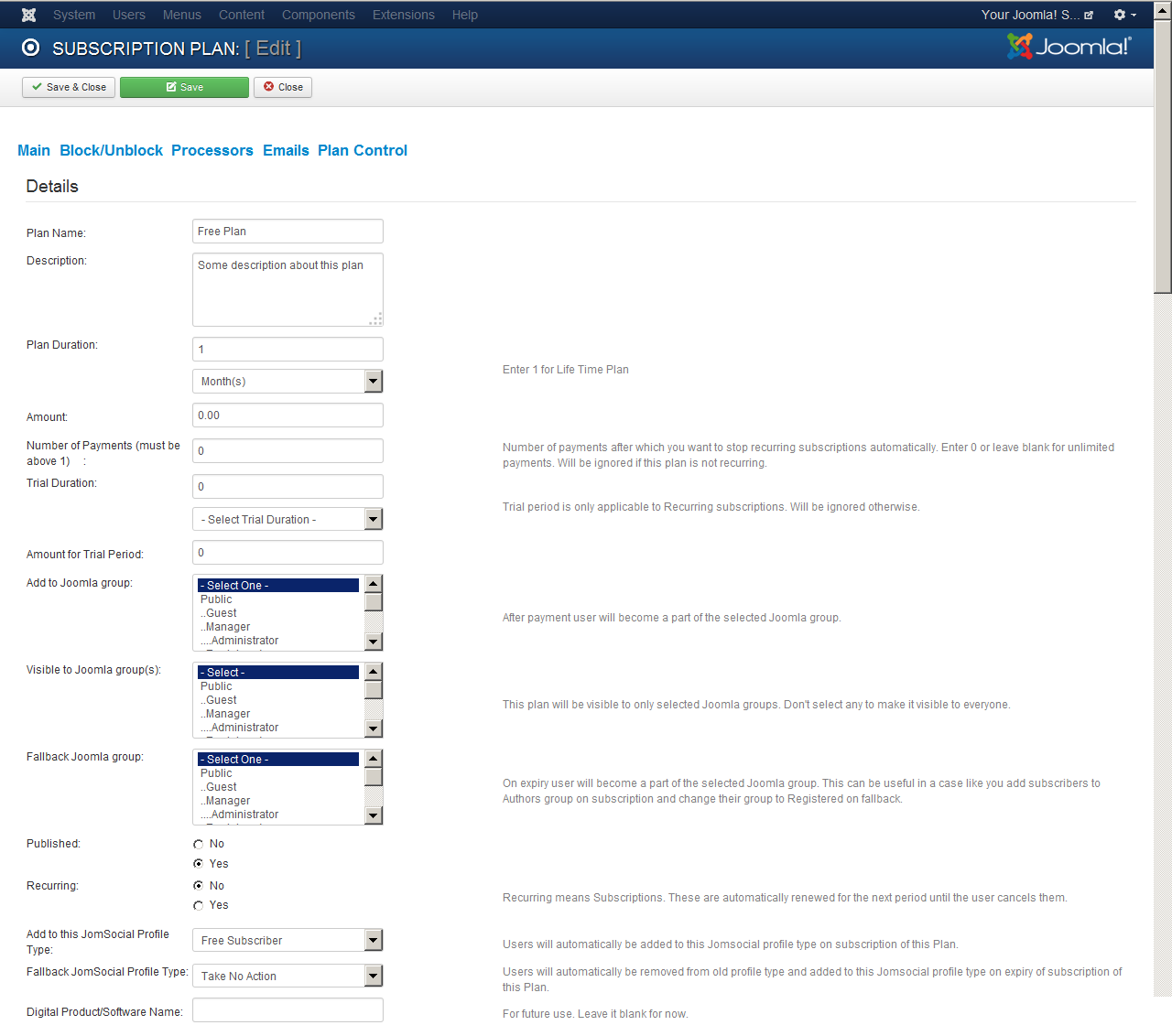
- Create subscription plans. In each plan detail page you can see two fields to add user into in profile type when he subscribes. The other field is for fallback profile type on subscription expiration. These fields are captioned as
"Add to this JomSocial Profile Type" and "Fallback JomSocial Profile Type"
In a Paid Premium plan you select the "Paid Member" profile and in fallback field you need to select "Free subscriber" profile type.
Registration:
- In case of a paid plan, users account will be created automatically as soon as they pay and login details are emailed to them automatically.
Plan Control:
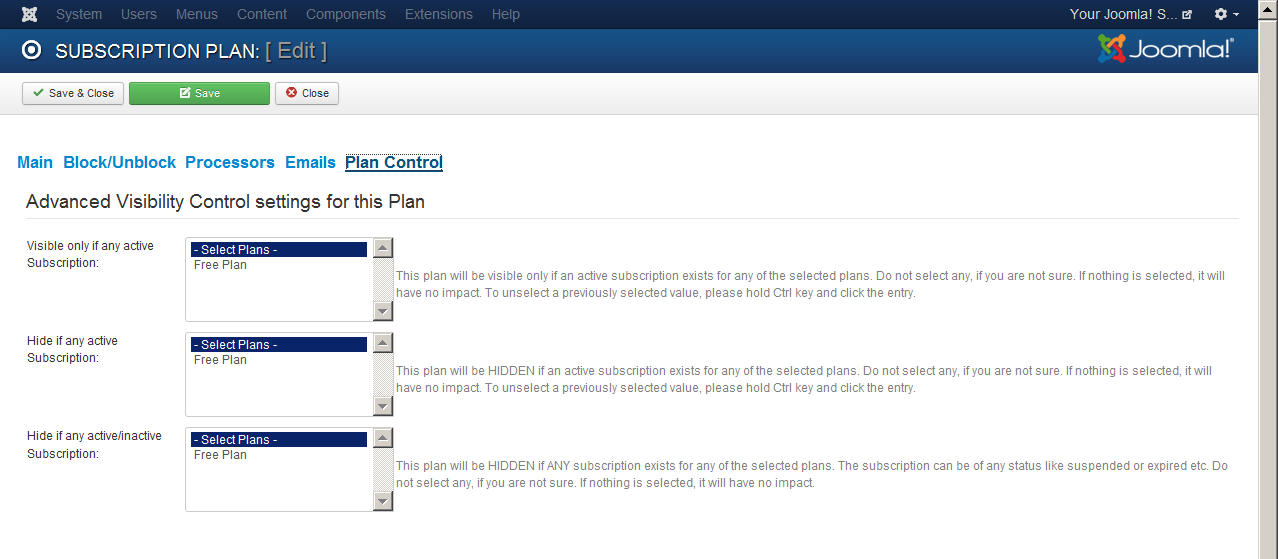
- You may have various free membership plans and want to control that any single user cannot subscribe two free plans or cannot re-subscribe a free plan etc. This is all possible with Plan control tab in Plan details page.
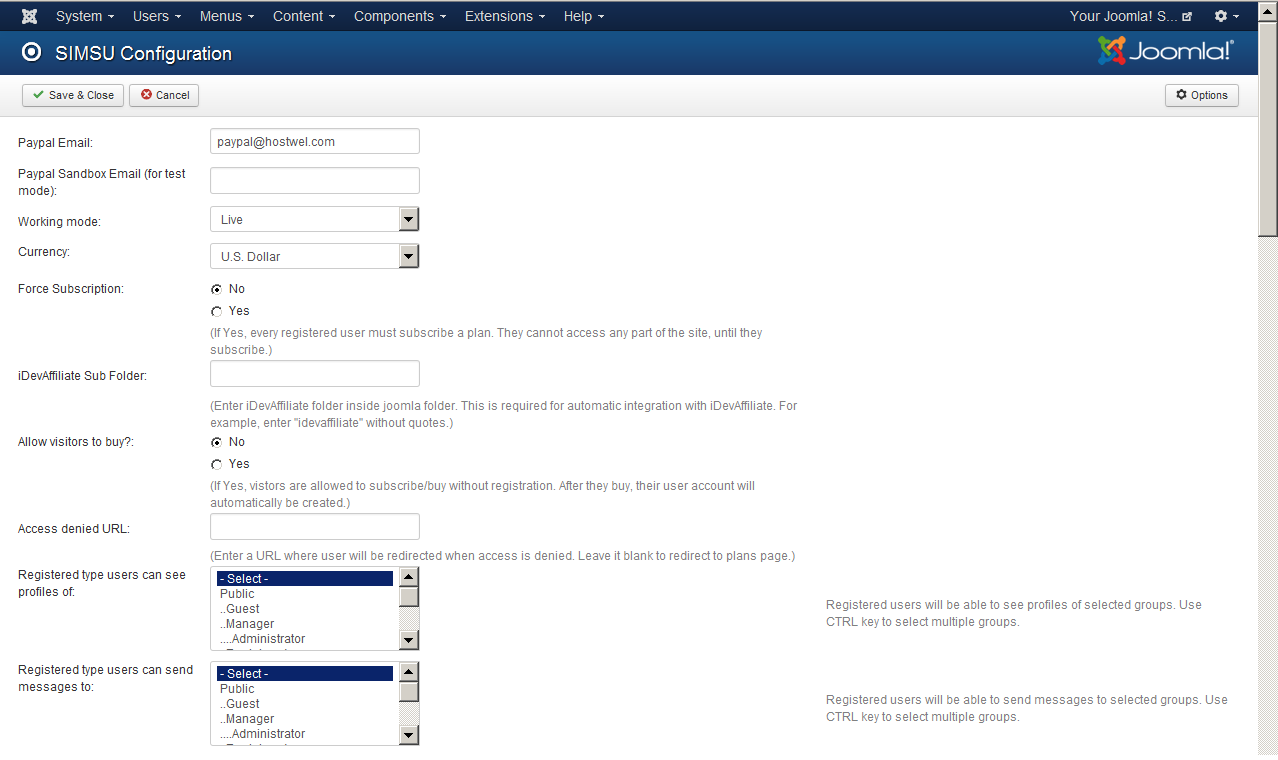
- You can set 'Allow visitors to buy? " to No in Paid Membership Manager configuration. This will be required only if you have any special need to allow only registered members to subscribe.
Life Time License!
Bundled with Advanced Permission Control for JomSocial. Two in one, save money!
£169 - Buy Now - Only £149 £149
Other links:
I am looking for Paid Membership Only
I am looking for Access Control only for Multiple profile types
Screenshots:
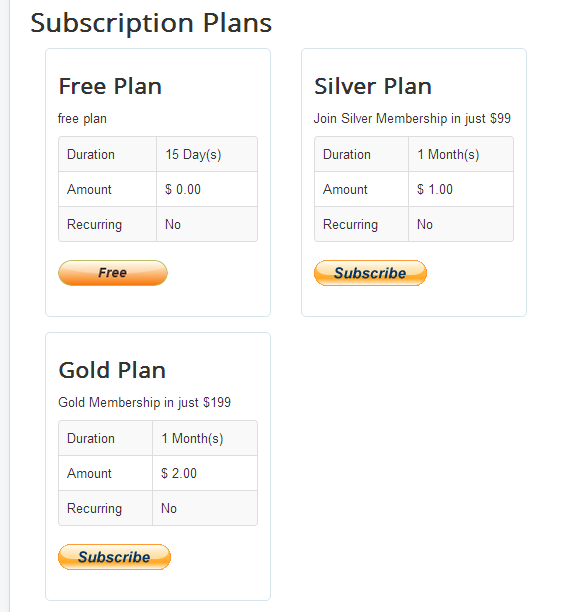
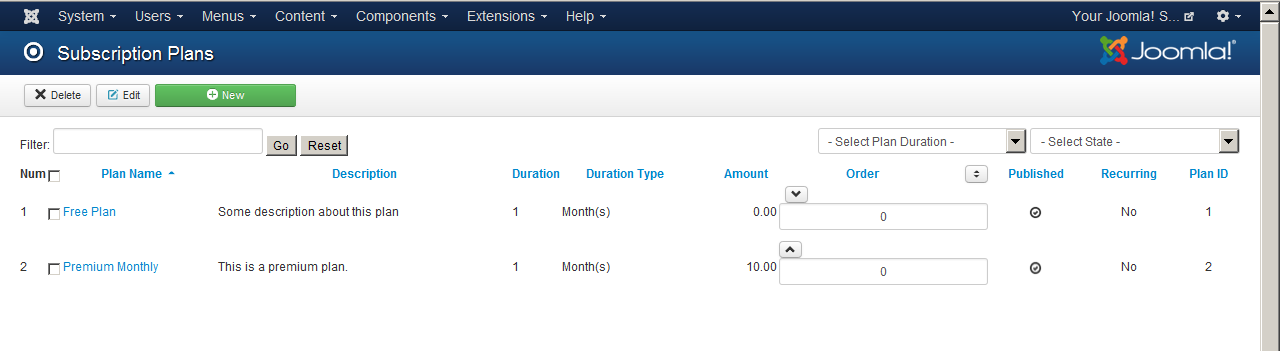
New Plans Layout
Create Multiple Profiles
This is the main step if you want to allow different rights and privileges to free and paid members on your JomSocial website.
New drop-down added in JomSocial site configuration
It is a great feature to configure JomSocial differently based on the user profile type. Different rights, different look and different control for free and paid Jomsocial members.
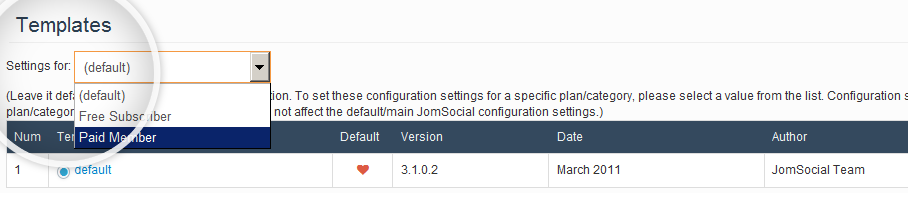
Different JomSocial Template for each Profile Type
Now you can offer a different look with a premium template to your paid Jomsocial members while a default template for free members.
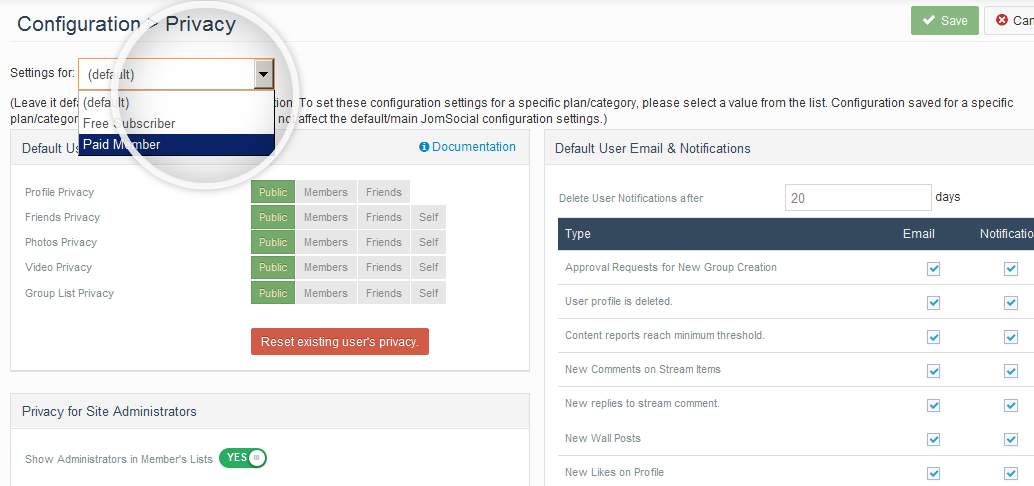
Better Privacy settings for Premium members
Now you can offer a different look with a premium template to your paid Jomsocial members while a default template for free members.
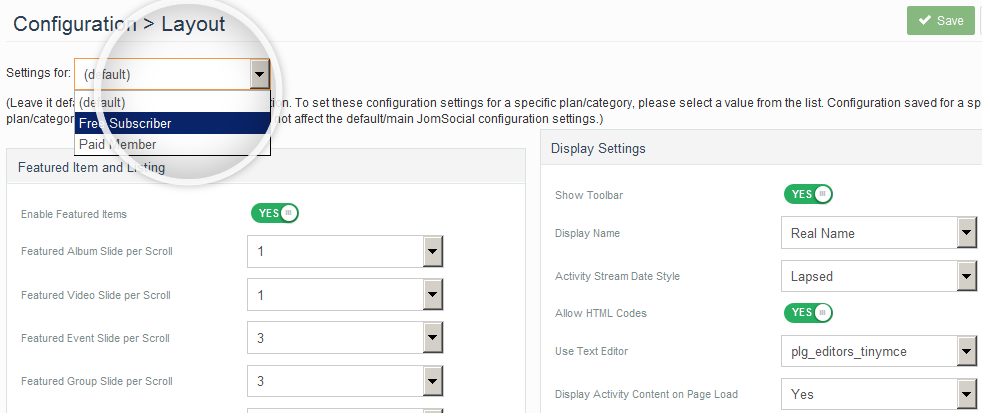
Different Layout settings for each Profile type
Why not have a better layout for Paid Members? that attracts Free Members to have an upgrade.
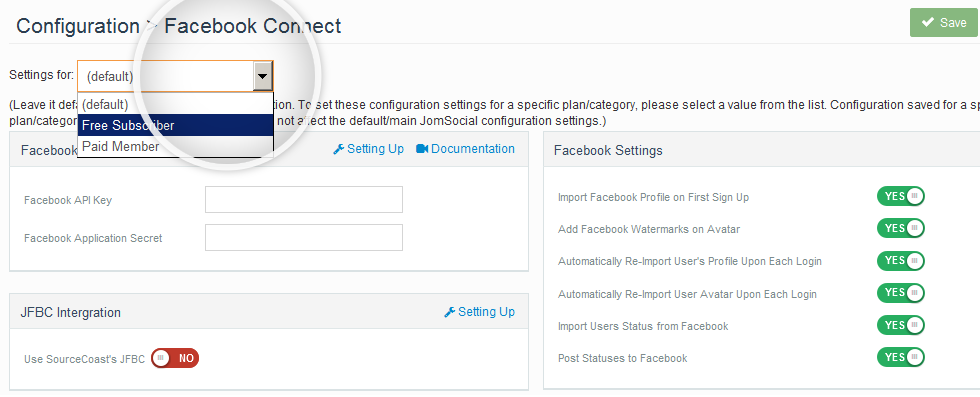
Facebook Connect
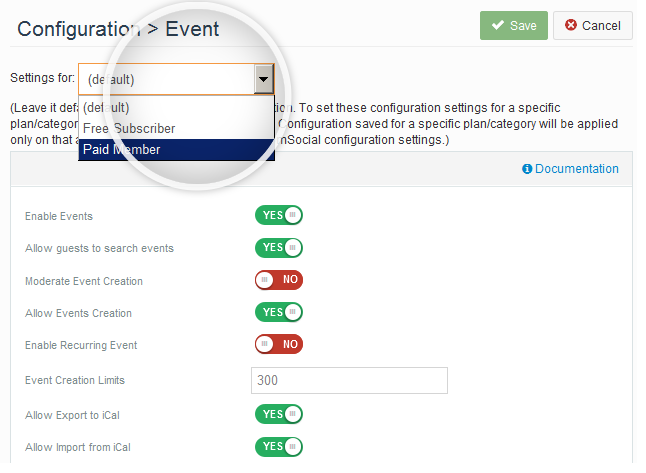
JomSocial Event Settings for Each Profile Type
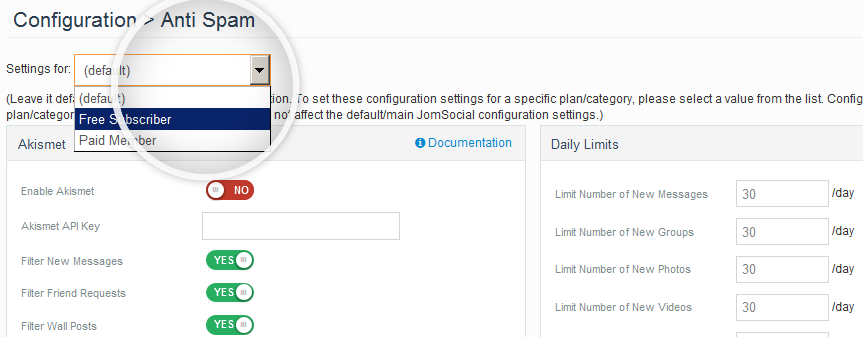
Different Anti-Spam settings for Free and Paid Members
Set higher daily limits for new messages, groups, photos and new videos for your Paid or Premium JomSocial members. You can set lower limits for free members. This is very easy with our Paid Membership and Multi-profile control extension for JomSocial.
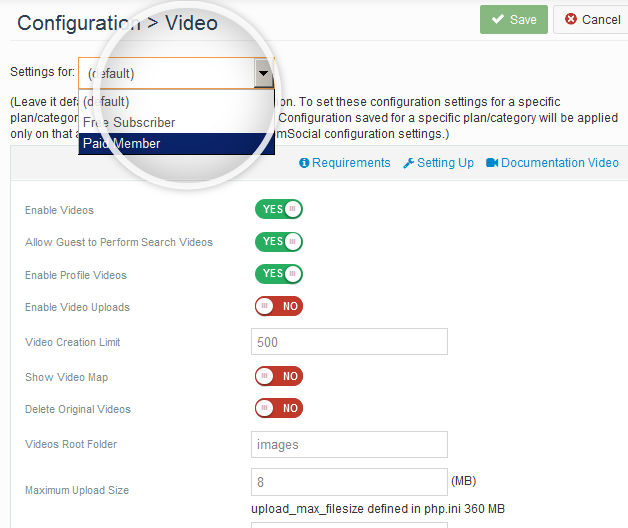
Premium Members may enjoy more Video uploads
With our Paid Membership and
Multi-profile control extension you may really attract free members to upgrade for premium plans. Simply set higher video and photo limits and premium features only for Paid Members.
Simply allow more Photos to Paid Members
Enhanced control over Group Settings for free and paid members
Plugins Installed by Paid Membership & Profile Control Bundle
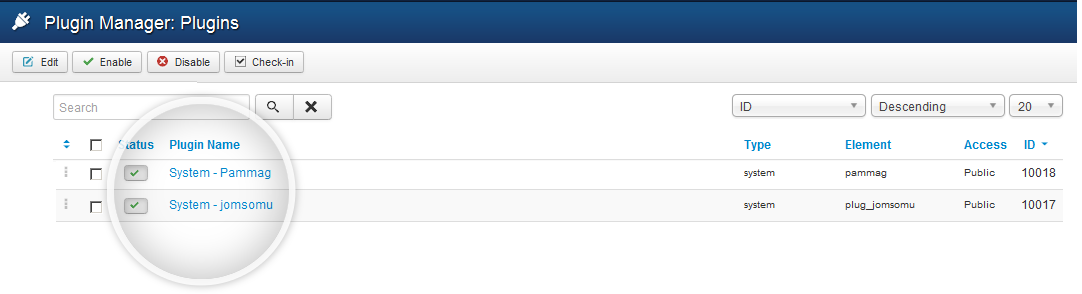
Set Working Mode in jomsomu system plugin
Plans in Joomla back-end
Paid Membership Manager Configuration
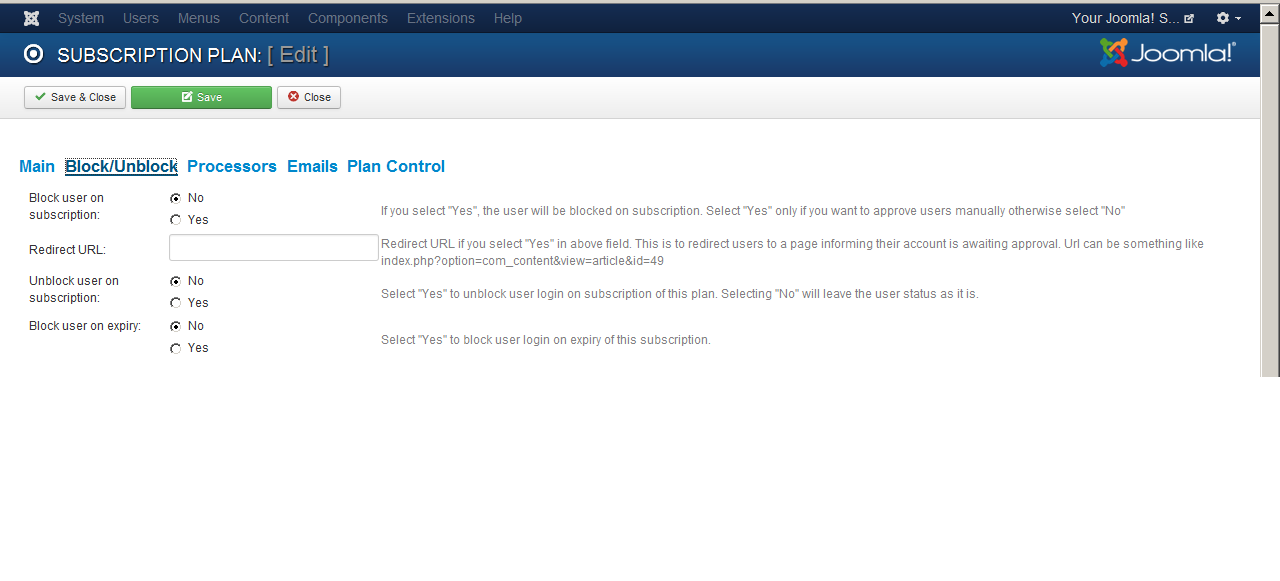
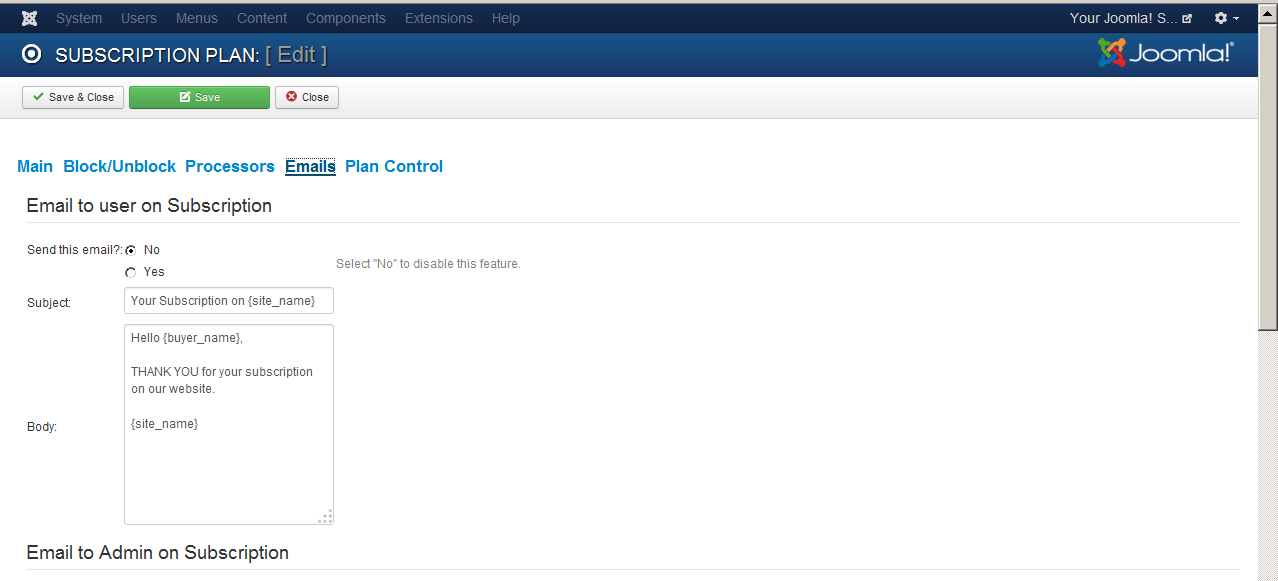
Plan Detail Pages