 Products


Automatic user badges display in profile, depending on Karma /User Points.
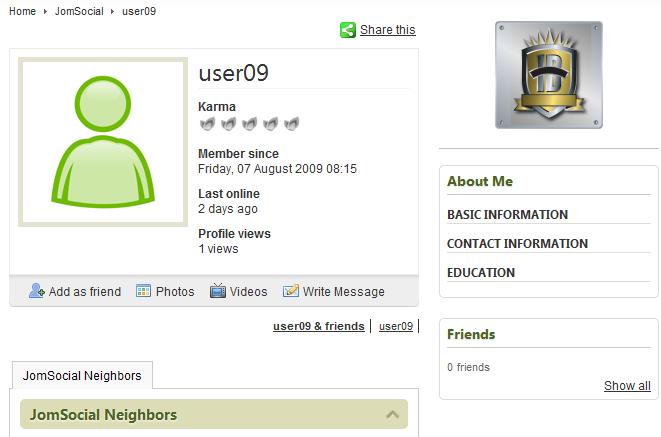

Its simple, just install and publish the module at js_profile_side_top position. Badges image files are in /modules/mod_userbadges/images/ folder. You can upload your custom images there and replace the default images.
£29.99 ........................... Buy Now
Instructions;
- Go in parameters of the module
- Make sure that the module is enabled
- You will see twenty fields to put points for each badge. For example, 10 points for first image (1.jpg), 20 for second (2.jpg), 30 for third (3.jpg) and so on.
- Images are in the following folder
/modules/mod_userbadges/images/
-
Images names should be 1.jpg, 2.jpg, 3.jpg and so on.